Maya Plugin for Shopify
Discover how easy it is to set up Maya Checkout for your Shopify store
Get Started
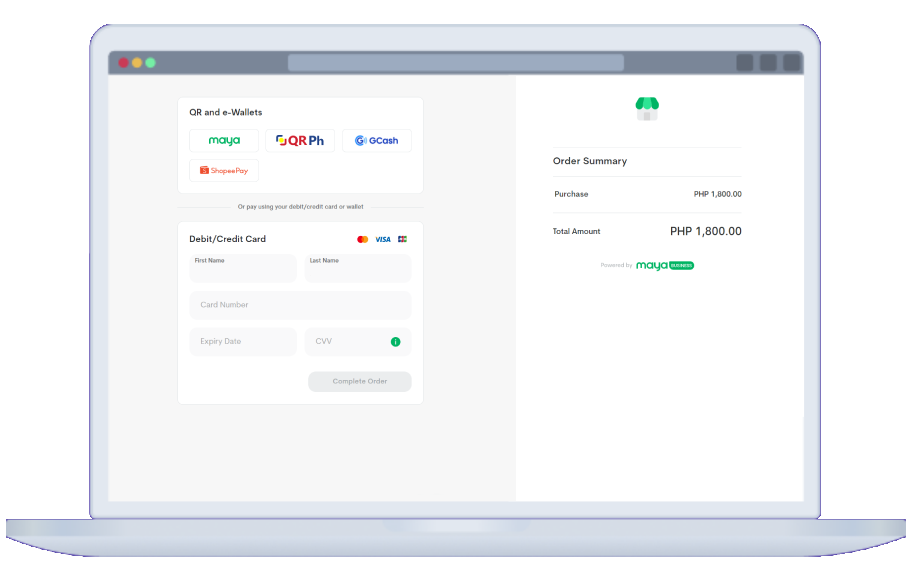

Get Maya Checkout and set up a Shopify payment gateway in minutes with our custom plugin
Start accepting payments via credit cards, debit cards, e-wallets, and other emerging solutions directly on your Shopify website today









.png)
Upgrade your Shopify store in 6 easy steps
You don’t need technical skills to get Maya Checkout for your online shop
.png)
STEP 1
Register for a Maya Business Manager 2.0 account and wait for your Merchant account to be activated
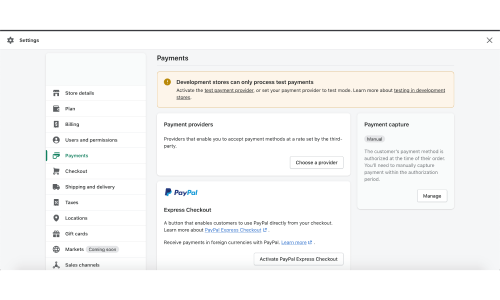
STEP 2
Open your Shopify account, go to “Settings”, and choose "Payments"
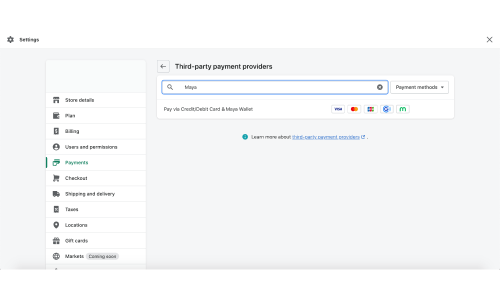
STEP 3
Select “Third Party Provider”, search “Maya”, and choose “Pay via Credit/Debit Card & Maya Wallet”
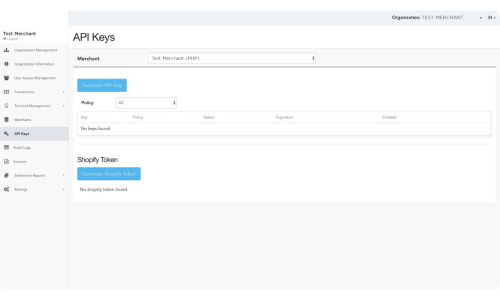
STEP 4
Log into Maya Business Manager 2.0, select “API Keys” and enter your Merchant ID to generate an API key for your Shopify account
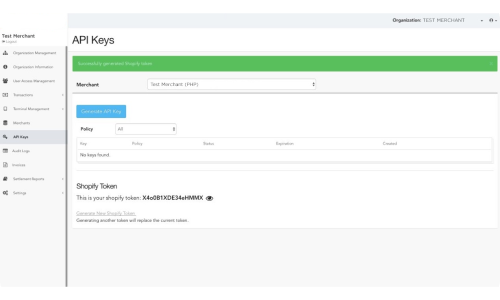
STEP 5
Go to your Maya Business Manager 2.0 dashboard and generate your Shopify token
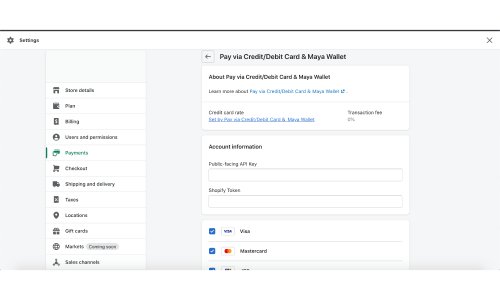
STEP 6
Go back to Shopify, go to “Account Information”, and enter your API key and Shopify token
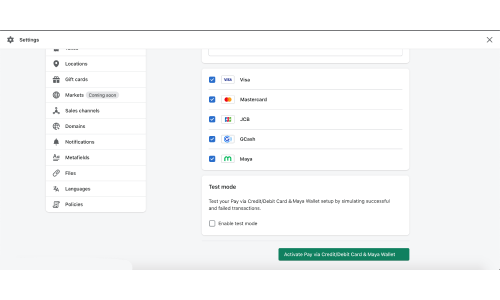
Make sure all the payment methods are ticked
Make sure “Enable test mode” is unticked before clicking activate
Other solutions you might like



Business Banking
Fast-track your business growth with a fully digital bank account that lets you do FREE transfers via PesoNet and earns 1.5% interest

It’s a simple but powerful way to build a payment gateway Shopify site owners of all skill levels can integrate into their websites. If you have a Shopify site, simply follow the 6 steps above to begin accepting all payment cards, e-wallets, and other cashless payment methods.
To create a Shopify payment gateway with the Maya plugin, you’ll need a Maya Business account. Create a Maya Business account today to enjoy Maya Checkout and other payment solutions.
The Maya Checkout plugin for Shopify can facilitate a range of online payments, including credit and debit cards as well as e-wallets and QR code payments.
Shopify’s proprietary payment gateway, while excellent, is not currently available in the Philippines. Maya Checkout, on the other hand, is readily available and was developed specifically to meet the unique needs of the Philippine market, making it the best choice for online storefronts that want to deliver a seamless experience to Filipino buyers. Fortunately, if you want to use Maya Checkout as a third-party payment gateway, Shopify does offer the necessary support.